






Domain 1
Equipment & procurement
Compare available transformers against your design.
Explore this product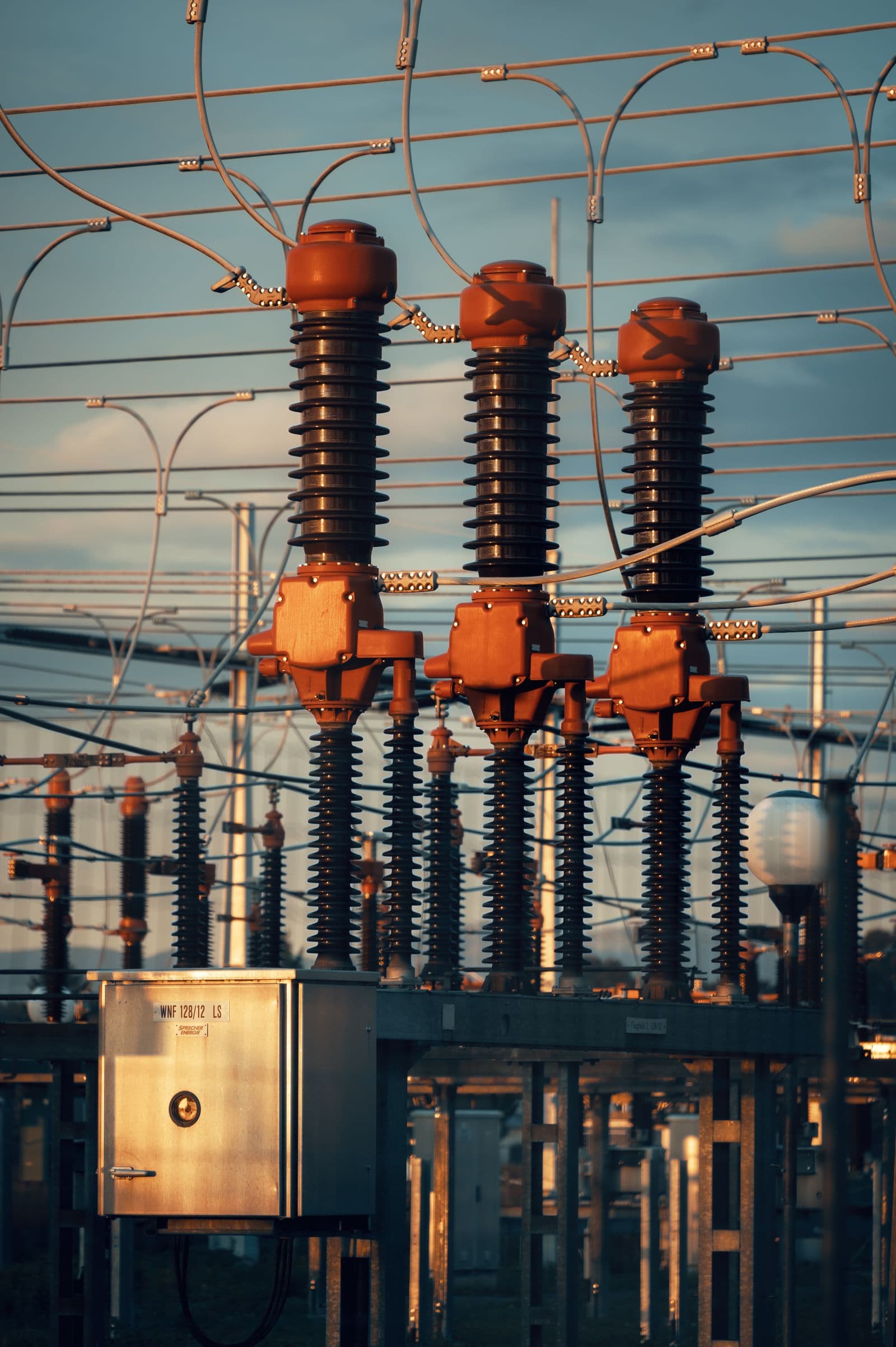
- Search new and refurbished units
- Check ratings and specifications
- Draft questions for the supplier
Vela keeps your project moving from planning to power-on, tracking changes, flagging risks, and preparing clear next steps.
Explore VelaSee the same project, with the priorities for your role.
See what could delay power-on and which decisions need your attention.
Explore the products
Track drawing revisions, supplier questions and the work each change creates.
See project deliveryAsk about your project. Get an answer with sources and a proposed next step.
Find the right equipment, faster.
Explore equipment & procurementVela turns scattered project data into a live model of your infrastructure, connecting equipment, dependencies, and the work needed to bring it online.
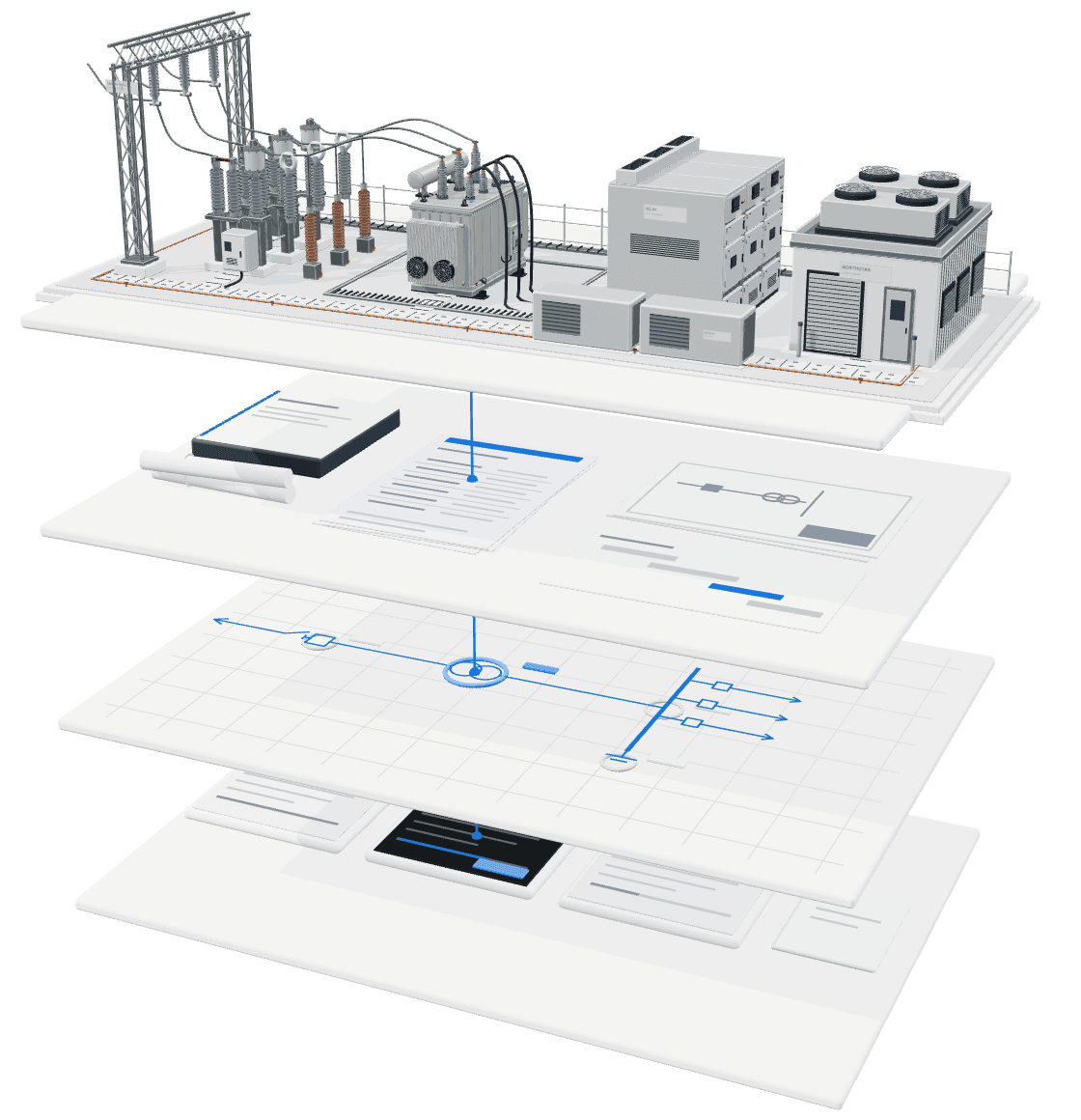
Power infrastructure
The equipment and facilities your team is building.
01Project records
Drawings, orders and schedules from your existing tools.
02Project model
Which requirements affect each piece of equipment and each milestone.
03AI agents
Check changes and draft tasks for your team to review.
Ask questions, review findings and track the work.
Ask a question. Get an answer with sources.
See what's holding up the schedule.
Find the latest drawings and earlier revisions.
Choose which project tools Vela can read.
Review each proposed action before it happens.
See who changed what and when.
From proposed megawatts to energized megawatts.
Find equipment, manage revisions and resolve utility requirements.
Domain 1
Compare available transformers against your design.
Explore this productDomain 2
See which orders and schedule dates a drawing revision affects.
Explore this productDomain 3
Check how a revised utility study affects equipment you've ordered.
Explore this product





















Meet the team and hear what we're building.
An introductory conversation. No preparation needed.
We use analytics cookies to understand how people use this site. They are not required for it to work, and we do not set them unless you agree. Cookie Policy